Your business is already collecting a lot of information.
Jobs. Revenue. Labor hours. Reviews. Leads. Call notes. Parts usage. Estimates. Customer questions.
The problem usually isn't that you need more data. It's that someone has to sit down, sort through what you already have, look for patterns, and figure out what actually deserves attention.
That's one area where AI can be genuinely useful.
Instead of staring at a spreadsheet with thousands of rows, you can upload a report, ask questions in plain English, and use AI to help you find patterns faster.
Not every answer should be treated as fact. AI can misunderstand a column, miss important context, or make a bad assumption about messy data. But used as an analysis partner, it can help you spot questions worth investigating without requiring a full data team.
Here are seven places to start.
What Does "Ask AI About My Data" Actually Mean?
It can be much simpler than it sounds.
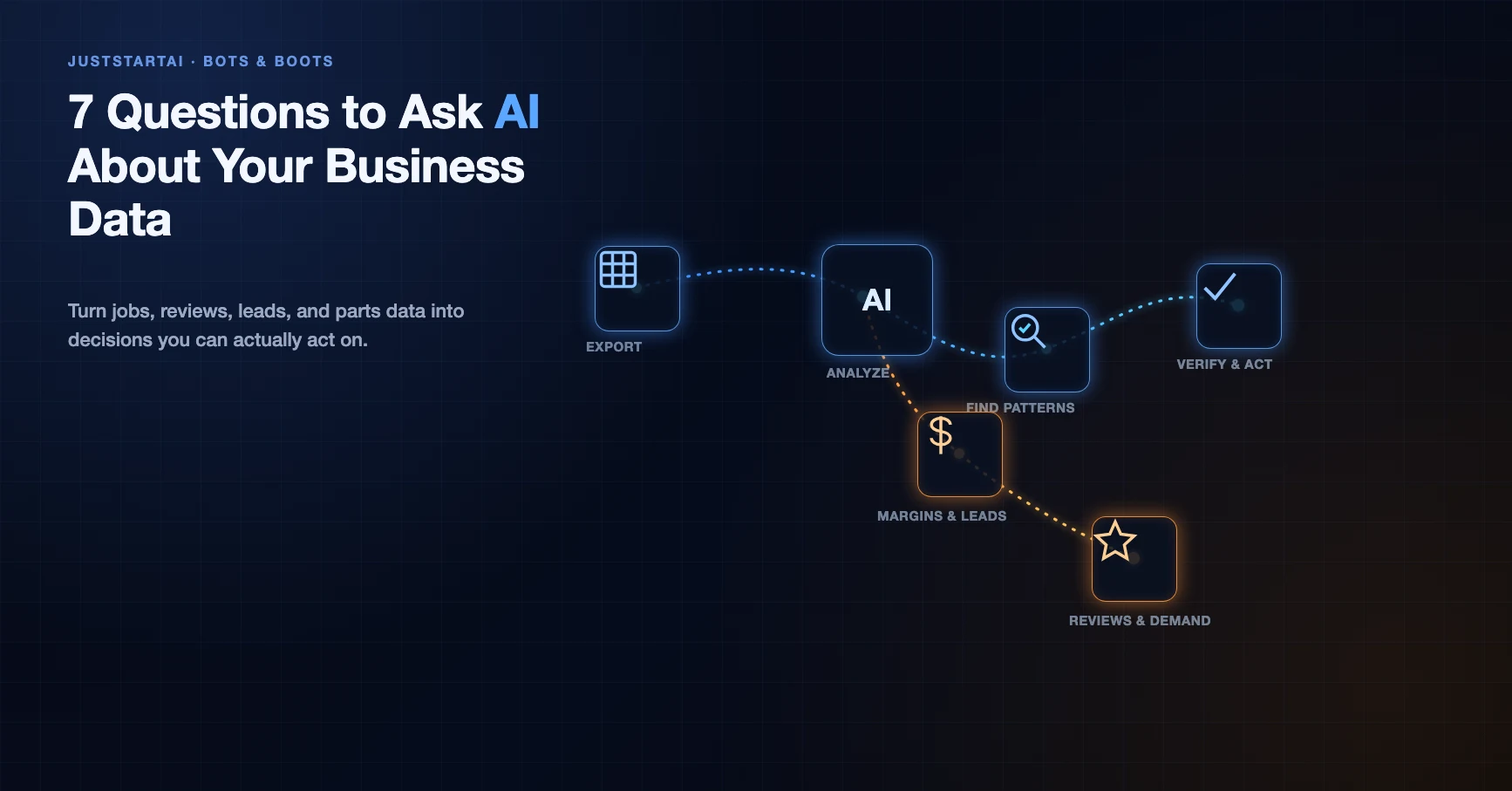
Export a report you already have from your field service software, accounting system, review platform, CRM, or another tool. Upload the spreadsheet or document to an AI tool that can analyze files, then ask a specific question about what you want to understand.
For example:
"Which job types appear to have the strongest margins?"
Or:
"What reasons show up most often when leads don't book?"
AI can sort, group, calculate, summarize, and point out patterns that would take much longer to find manually.
Before you upload anything, though, keep a few rules in mind.
Remove information the AI doesn't need
Customer names, home addresses, email addresses, phone numbers, payment information, account numbers, access codes, and other identifying information usually aren't necessary for this type of analysis.
Employee data deserves the same care.
You should also understand the privacy and data settings of whatever AI tool you're using, especially before uploading internal company information. The goal is to give AI enough information to analyze the business question without handing over information it doesn't need.
Your data doesn't have to be perfect
You don't need to spend six months building a spotless data warehouse before you learn anything useful.
You do need to remember that bad inputs can create bad conclusions.
If one technician records callbacks differently from everyone else, half your jobs are missing material costs, or the same lead appears three times, AI may identify a "pattern" that is really a data-quality problem.
Start with what you have. If AI gives you a surprising result, check the underlying data before making a major decision from it.
Start with one question
Don't connect every system on day one.
Pick one business question. Export one report. See what you learn.
You can build from there.
1. "Which Jobs Produced the Strongest Margins Last Month?"
Feed it: A completed-jobs export with fields such as job type, revenue, labor hours or labor cost, materials cost, discounts, technician, and any other job-level costs you track.
The more complete your cost information is, the more useful the analysis becomes. Labor hours and materials alone can give you a starting point, but they don't automatically tell you the full profitability of a job.
What AI can help you find: Which job types appear to produce stronger or weaker margins, where costs are unusually high, and whether certain services look different once labor and materials are considered.
You may discover that a service you think of as a reliable moneymaker doesn't look nearly as attractive once callbacks or extra labor are included. Another service you rarely promote may be producing much healthier margins.
What to do next: Check the calculations behind anything surprising. If the numbers hold up, review pricing, scope, technician training, material usage, or how the service is sold.
2. "What Do My Negative Reviews Have in Common?"
Feed it: Your 1-, 2-, and 3-star reviews from the last six to twelve months.
Don't analyze them only for sentiment. Ask AI to group the complaints into themes and show you which themes appear most often.
You might see patterns around communication, arrival windows, cleanup, billing, pricing expectations, follow-up, or the work itself. When you're reading reviews one at a time over several months, those patterns can be harder to notice.
What AI can help you find: Repeated complaints, customer language that shows up across multiple reviews, and parts of the customer experience that may deserve a closer look.
What to do next: Pick one recurring issue and investigate it with your team.
If several reviews mention that nobody followed up after the appointment, that's something you can trace through the actual process. If customers repeatedly mention cleanliness, that may point to a field procedure worth revisiting.
AI finds the pattern. Your team determines what caused it and what should change.
3. "Where Are My Leads Dying?"
Feed it: Your leads from the last 60 to 90 days, including source, date, booked or not booked, response time if available, and the reason a lead didn't convert.
Then ask AI to break down the unbooked leads.
Are certain lead sources performing differently? Do leads received after hours book at a lower rate? Are estimates being sent but never followed up on? Is "no answer" appearing far more often than you realized?
What AI can help you find: Where leads tend to drop out of the process and which losses appear most frequently.
It may point to a marketing issue. It may point to a call-handling issue. It may reveal that the biggest leak happens after the estimate rather than before the appointment.
What to do next: Focus on the largest verified leak first instead of trying to fix everything at once.
If response time appears to be the issue, look at the actual response-time data. If one lead source looks weak, compare its cost, booking rate, close rate, and revenue before deciding what to do with it.
4. "What Should Actually Be on the Trucks?"
Feed it: Parts usage by job type over the last six months or longer.
If possible, include how often each part was used, which services required it, cost, and whether jobs required a return trip because something wasn't available.
What AI can help you find: Frequently used parts, items that rarely leave the truck, parts commonly used together, and possible inventory gaps associated with return trips.
That doesn't mean AI should dictate your inventory. Seasonality, supplier availability, technician experience, truck capacity, and emergency needs still matter.
But it can give your service manager or parts manager another way to look at the numbers instead of relying entirely on memory.
What to do next: Compare the analysis with what your field team is seeing.
You may find a few inexpensive items worth stocking more consistently or expensive inventory that's tying up money without getting used.
5. "Where Would Coaching Help Each Technician Most?"
Feed it: Relevant per-technician metrics such as callback rate, average ticket, estimate close rate, memberships sold, review mentions, job type, and other performance data you already track.
This is one area where context matters a lot.
A technician handling difficult diagnostics may look very different from someone running routine maintenance calls. A new employee shouldn't automatically be compared with a 15-year veteran without considering the work each person is doing.
What AI can help you find: Outliers and differences worth investigating.
Instead of saying, "Mike needs to improve," you may find something much more specific: callback rates are consistent across most services but noticeably higher for one type of job.
That gives a manager a much better starting point for coaching.
What to do next: Use the data to ask better questions, not to automatically judge the employee.
Look at actual jobs behind the pattern, talk with the technician, and determine whether the issue is training, process, equipment, job assignment, documentation, or something else.
You can also flip the analysis around and study what your strongest performers are doing consistently well. Those patterns may help improve training for the rest of the team.
6. "What Are Customers Asking For That We Don't Sell?"
Feed it: Call transcripts, website chat logs, CSR reason-for-call notes, contact form submissions, or internal site-search data if you have it.
Even a month of conversations can give you something to work with.
Ask AI to group customer requests and questions by theme. Then have it identify requests that appear frequently but don't clearly match a current service, FAQ, website page, or offer.
What AI can help you find: Repeated demand you're not addressing, questions your website may not answer clearly, and language customers use when describing the problem they're trying to solve.
Maybe people keep asking about a service you don't offer.
Maybe you already offer it, but customers can't figure that out from your website.
Those are two very different problems.
What to do next: Verify the demand, then decide whether the answer is a new service, clearer website content, better CSR training, or simply making an existing offer easier to find.
7. "What Patterns Should I Plan Around Next Month?"
Feed it: One to three years of completed jobs by week or month, ideally including job type, revenue, lead volume, booked calls, and any other useful demand data.
Historical data won't tell you exactly what is going to happen next month.
It can, however, show you what has happened around the same period before.
What AI can help you find: Seasonal increases and decreases, recurring busy weeks, shoulder-season slowdowns, changes in job mix, and periods when demand has historically pushed against capacity.
You can also ask it to compare years.
Did the seasonal ramp start earlier this year? Did one service category become more important? Was last year's slowdown unusual, or does it happen around the same time every year?
What to do next: Use those patterns as one input for staffing, scheduling, inventory, marketing, and capacity planning.
Then combine them with what you know today: weather, staffing changes, market conditions, promotions, equipment availability, and anything else that historical data can't see.
A Starter Prompt You Can Reuse
You don't have to be an expert at prompting to get useful analysis.
Start with something like this:
"Review this file and help me understand [business question]. Identify the most important patterns you see, explain how you reached each conclusion, and show the calculations behind any numbers you provide. Flag missing, inconsistent, or unusual data that could affect the analysis. Do not make assumptions when the file doesn't contain enough information. Tell me what I should verify before acting on your findings."
Then keep asking follow-up questions.
"Show me the five examples behind that conclusion."
"Break this down by technician."
"Compare weekdays with weekends."
"Which result are you least confident in?"
"Could missing data be affecting this?"
That's where working with your own business data gets interesting. You don't have to accept the first answer. You can question it.
The Just Start Move
You don't need to connect every platform in your company before experimenting with this.
Pick one of the seven questions that would help you make a real decision right now. Export one report, remove information the AI doesn't need, and upload it.
Then ask the question.
Check the answer against the source data. Ask the AI to explain how it reached the conclusion. If something looks useful, investigate it further before changing pricing, staffing, inventory, marketing spend, or another important part of the business.
The goal isn't to let AI make your decisions.
It's to help you see your own business more clearly so you can make better ones.
Which of these seven questions would you want to ask your business first?

About the author
Jennifer Bagley
Jennifer Bagley is a co-founder of JustStart AI, founder and CEO of CI Web Group, and the author of Hands Up. Her work focuses on practical AI use in HVAC, plumbing, and electrical businesses.
Visit JenniferBagley.comRelated Articles
Continue exploring similar topics and insights
AI Looping Explained: Plan, Act, Check, Repeat for Trades Shops
AI looping is the plan → act → check → repeat cycle that lets agents finish real work. How HVAC, plumbing, and home-service operators should use it — and stop it.
OnePath AI Deep Dive: What the AI Lead Manager Actually Does
OnePath AI answers every call, responds to every form, books across every channel, and follows up on every estimate — with human CSRs on overflow. Here's the full breakdown.
Trade Rated: Why Verified Reviews Are the Trades' Next Competitive Edge
Trade Rated captures reviews at the door — 83% on-site capture vs the 14-18% industry norm — with GPS-verified proof, multi-platform posting, and crew rewards.
More in AI Tools
Explore more articles in this category
AI Looping Explained: Plan, Act, Check, Repeat for Trades Shops
AI looping is the plan → act → check → repeat cycle that lets agents finish real work. How HVAC, plumbing, and home-service operators should use it — and stop it.
OnePath AI Deep Dive: What the AI Lead Manager Actually Does
OnePath AI answers every call, responds to every form, books across every channel, and follows up on every estimate — with human CSRs on overflow. Here's the full breakdown.
Trade Rated: Why Verified Reviews Are the Trades' Next Competitive Edge
Trade Rated captures reviews at the door — 83% on-site capture vs the 14-18% industry norm — with GPS-verified proof, multi-platform posting, and crew rewards.
Questions, results, or pushback — the conversation lives in the JustStart AI community. It's free to join.