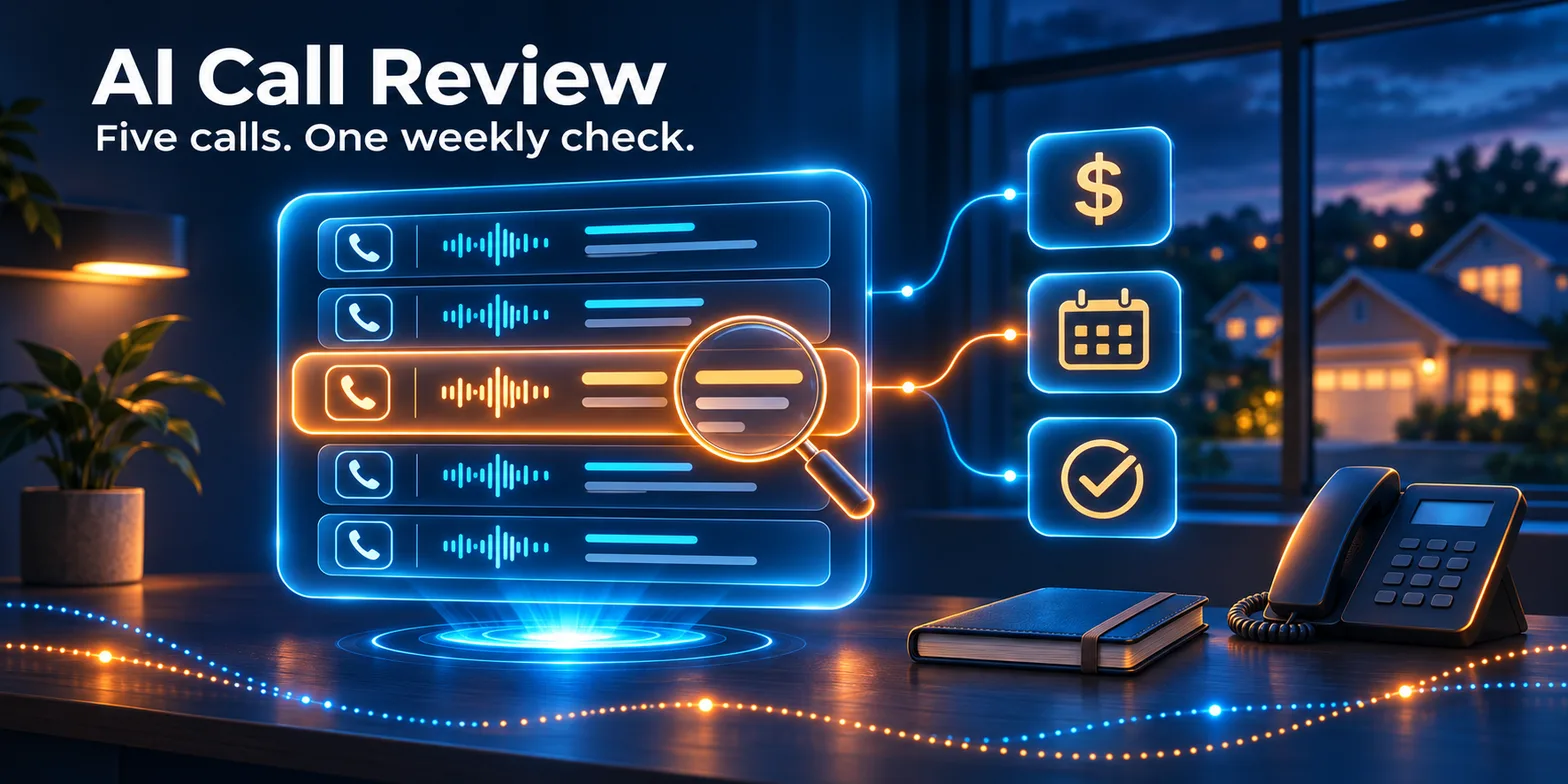
Your AI answering service booked the appointment. Did it also quote the right diagnostic fee and explain when your team could arrive?
A booking count cannot answer those questions. Reviewing the conversation can.
If your business already uses an AI answering service, set aside time each week to read five call transcripts. Check what callers were told, investigate anything that does not match your policies, and test the changes you make.
You may find outdated information, an unclear instruction, or a scheduling problem. You may also find that the calls were handled correctly. Both outcomes help you understand how your front office is working.
What should you check beyond the dashboard?
Calls answered, appointments booked, and call length help you track activity. To assess accuracy, you also need to examine what happened during the conversation.
A customer can book an appointment after hearing an incorrect fee. A caller can accept an arrival time your team never approved. Neither necessarily produces a complaint before the technician arrives.
When you review a transcript, ask:
- Did the AI give accurate information?
- Did it follow your scheduling and service policies?
- Did it make a promise your team can keep?
- Did it recognize when a person needed to take over?
- Did the customer leave with a clear understanding of the next step?
If a transcript is confusing, listen to that part of the recording when available. A transcription mistake can make a correct spoken answer look wrong.
Which five AI call transcripts should you review?
Choose calls involving information or commitments that matter to your business.
| Call to review | What to check |
|---|---|
| One after-hours or weekend call | Did it explain coverage, fees, and the next step correctly? |
| One urgent service call | Did it follow your approved escalation process and avoid unsupported arrival promises? |
| One call involving price | Did it quote the current fee and explain what that fee covers? |
| One call that ended in a booking | Did the appointment details match what was entered in your scheduling system? |
| One call where the customer repeated a question | Did the AI understand the question and eventually answer it clearly? |
If a category did not occur that week, substitute another call involving pricing, availability, service area, or a customer commitment. If you received fewer than five calls, review what you have.
Five is a manageable starting sample. It does not establish that every call was handled correctly. If you find a recurring problem, expand the review to understand how many customers it affected.
Assign the review to someone who knows your current policies, such as an office manager, customer service lead, or owner. Put it on the calendar so it has a clear person responsible.
What might you find?
Consider these three hypothetical examples.
An outdated diagnostic fee
An HVAC customer calls about a system that is not heating. The AI quotes a diagnostic fee your company recently changed.
Check the approved fee information first. Is the old amount still listed? Are there conflicting prices in different documents? Does the answering service have access to the current version?
An appointment outside your normal coverage
A plumbing customer requests a routine Saturday appointment. The AI offers a slot even though your company only handles emergency calls on Saturdays.
Check both the written instructions and the scheduling setup. The policy may be unclear, or the booking connection may be exposing appointments that should not be offered.
A maintenance-plan benefit that does not exist
A caller asks whether a repair is included in their membership. The AI says yes, although your plan does not include that repair.
Check the plan terms and the instructions for questions those terms do not answer. The AI needs a clear way to acknowledge uncertainty and route the question to your team.
Each example calls for investigation. A wrong answer tells you what needs attention, but it does not automatically tell you why it happened.
Where should the fix go?
Start by comparing the response with your approved business information. Then check the instructions and systems involved.
| What you find | What to do |
|---|---|
| Outdated or conflicting information | Update the approved source and remove or correct conflicting versions. |
| Missing or unclear policy | Write the rule plainly, including relevant exceptions. |
| An answer beyond the approved information | Clarify when the AI should acknowledge uncertainty or involve a person. |
| A booking that breaks your scheduling rules | Check availability settings, booking permissions, and the scheduling connection. |
| Correct information and instructions, but a repeated wrong response | Document the example and ask your provider or implementation team to investigate. |
Write approved answers in language your office would use with a customer.
For example, “Saturday: emergency only” may leave important questions unanswered. A more useful instruction would explain whether routine appointments can be booked, how emergency requests are handled, and who confirms availability.
Also define what the AI should say when it cannot confirm something:
“I can send that question to our office team so they can confirm what your plan includes.”
The response should match the follow-up process your business actually provides.
What about customers who already heard the wrong answer?
Once you identify an error, search other recent transcripts for the same fee, benefit, or promise.
If customers received incorrect information, have a team member review the affected calls and decide what follow-up is needed. A pricing discrepancy or an appointment your team cannot honor should be addressed promptly.
Do not stop after one fix if the review reveals several important problems. Handle urgent issues first, and assign someone to each remaining correction.
How do you confirm the fix worked?
Test it after making the change.
Place a test call and ask the same question that produced the error. Then try a different wording. For a scheduling issue, check both the spoken response and the appointment created in your system.
For example:
- “Can I book a regular service appointment this Saturday?”
- “I’m only home on weekends. What can you offer me?”
Confirm that both responses follow your policy.
One successful test is useful evidence, but keep checking relevant calls during later reviews. If the same issue returns, investigate whether the update reached the live service or whether another instruction or setting is interfering.
If no customer asks that question the following week, record that it has not come up. That is different from confirming it was answered correctly.
What should you record?
Keep a simple log your team can maintain.
| Call/date | What the AI said | Approved answer | Change made | Test result |
|---|---|---|---|---|
| Nov. 17, pricing call | Quoted the previous diagnostic fee | Current approved fee and explanation | Updated fee source and removed old entry | Correct in two test calls |
| Nov. 17, scheduling call | Offered routine Saturday service | Saturdays are emergency-only | Corrected booking rules | Routine booking no longer offered |
Include who owns any unresolved issue and when they will check it again.
Record useful findings, too. If the AI consistently explains a service clearly or collects the details your dispatch team needs, that is worth recognizing and preserving.
What should you do this Friday?
Set aside about 30 minutes for an initial review. Choose five calls, compare the answers with your current policies, and record what you find. Allow additional time for any investigation or corrections.
If you find a problem:
- Identify whether it involves information, instructions, or system behavior.
- Make or assign the correction.
- Check whether other customers were affected.
- Test the change.
- Revisit it in a later review.
If you are still organizing the information your answering service needs, the Automate Your Front Office learning path is a relevant next resource.
If you use an AI answering service, what do you check most closely: pricing, scheduling, service details, or how it handles questions it cannot answer?
Related reading:
About the author
Jennifer Bagley
Jennifer Bagley is a co-founder of JustStart AI, founder and CEO of CI Web Group, and the author of Hands Up. Her work focuses on practical AI use in HVAC, plumbing, and electrical businesses.
- 2026 Innovation Award recipient, The Sisterhood
Related Articles
Continue exploring similar topics and insights
Autonomous Doesn't Mean Unsupervised: Give Your Agent a Job Card and a Boss
Learn how to give an autonomous AI agent a job card, set approval rules, and test a review-request workflow before it runs on a schedule.
Rebates Change While You're on a Roof. Send an Agent to Watch Them
Build a weekly AI rebate watch for your contracting business. Track official sources, flag changes, and give your team updates to verify before quoting.
Your Open Estimates Are a Gold Mine. Send an Agent to Work Them Tonight.
Put AI to work on open estimates. Start with a small test, set follow-up rules, and route interested customers to your team.
More in AI Tools
Explore more articles in this category
Autonomous Doesn't Mean Unsupervised: Give Your Agent a Job Card and a Boss
Learn how to give an autonomous AI agent a job card, set approval rules, and test a review-request workflow before it runs on a schedule.
Rebates Change While You're on a Roof. Send an Agent to Watch Them
Build a weekly AI rebate watch for your contracting business. Track official sources, flag changes, and give your team updates to verify before quoting.
Your Open Estimates Are a Gold Mine. Send an Agent to Work Them Tonight.
Put AI to work on open estimates. Start with a small test, set follow-up rules, and route interested customers to your team.
Questions, results, or pushback — the conversation lives in the JustStart AI community. It's free to join.