
A customer replies STOP to your furnace tune-up offer on Monday. On Tuesday, they’re expecting a text telling them when your technician will arrive. Does that text still go out?
It depends on how your texting system handles opt-outs. Under the FCC rule effective November 25, 2026, an opt-out in response to a marketing message withdraws consent for future covered marketing calls and texts from that sender. A shop may treat an opt-out in response to an informational message as applying only to that category. Your platform may block a broader set of messages. The STOP Test shows you what happens in your setup.
Start with the texts your shop already sends
Pull up the actual messages your customers receive. Start with appointment updates, billing texts, and promotions. If those messages come from different tools, write down which tool sends each one.
| Message | How to classify it | What to check after an opt-out |
|---|---|---|
| Booking confirmation, appointment reminder, or technician arrival update | Informational, appointment | Does the next appointment update stop? Does a payment reminder still go through? |
| Invoice notice or payment reminder | Informational, billing | Does the next billing text stop? Does an appointment reminder still go through? |
| Seasonal tune-up offer, maintenance plan pitch, or promotional discount | Marketing | Do future marketing texts stop across your sending tools? Does the next appointment reminder still go through? |
Read the full message before you classify it. “Your technician is scheduled to arrive between 1 and 3 p.m.” is an appointment update. Add “Ask about our $79 tune-up while we’re there,” and the message contains advertising, even if the template is called Appointment Reminder in your software.
Run the STOP Test
Use internal test numbers or your provider’s test environment. Start each scenario with a number that has no prior opt-out, or have your provider reset the test state between scenarios. Two contact records with the same phone number can still share an opt-out.
- Test a marketing opt-out. Send a promotional text to your test number and reply STOP if your system accepts replies. Then trigger another promotional text and an appointment reminder. Check both outcomes. If you send promotions from a second tool, test that tool too.
- Test an appointment opt-out. Start with a clean test number. Send an appointment reminder, opt out, then trigger another appointment reminder and a payment reminder. Check which messages go through.
- Test a billing opt-out. Repeat with a payment reminder. After opting out, trigger another billing text and an appointment update. See whether billing and scheduling handle the request the same way.
- Record what happened. Note which tool sent each text, when the opt-out came in, and whether the next message was blocked, delivered, or still pending. Check the send log so you can tell whether a message was blocked or the workflow never ran.
If your system directs customers to a website or phone number to opt out, follow those same instructions in your test.
What should you do with the results?
If a promotional text still arrives after an opt-out, find out where the request was recorded and whether your other sending tools can see it. Your marketing platform may have updated the contact while a separate CRM still has a tune-up campaign queued. Give your provider the test number, timestamps, and message logs so they can trace what happened.
If every text stops, ask your provider whether the platform blocks messages from one sending number or across your account. The FCC allows shops to handle informational opt-outs by category, and your provider can explain which options your account supports. Decide how your office will confirm a visit when an automated reminder is blocked.
Check how customers are told to opt out
If your shop designates text replies as its exclusive opt-out method, the FCC’s disclosure requirements allow you to name one standard keyword in each text, provided your system recognizes all seven: STOP, QUIT, END, REVOKE, OPT OUT, CANCEL, and UNSUBSCRIBE.
If your system can’t receive replies, each text must disclose that limitation and provide reasonable alternatives. Shops without a designated exclusive method must process requests made by any reasonable means. Valid requests must be honored within a reasonable time, with ten business days as the outer limit. Ask your provider how those settings work in your account before changing your opt-out process.
If AI writes your texts, review what actually gets sent
Open one AI-drafted appointment reminder and compare it with the text your system delivers. Did the AI add an offer? Did the platform append a promotion or the opt-out instructions? Review the final message from the customer’s side.
Give the AI a clear instruction for each template. For example:
Write a text confirming the appointment date and arrival window. Include any instructions the customer needs before the visit. Leave out discounts, maintenance plan offers, and sales language.
Have someone in the office approve the template before it goes live. The Just Start AI trust map can help your team decide which other messages need a person’s review. Rerun the STOP Test when you change texting providers, connect another tool, or give an AI workflow permission to send customer messages.
What to do this week
Start with one promotion and one appointment reminder. Opt out of the promotion on an internal test number, then check whether the next promotion is blocked and whether the reminder arrives. Save the result somewhere your office team can find it.
If the test turns up other gaps in how your shop sends customer updates, use the Automate Your Front Office learning path to review the rest of your reminder workflow.
Related reading:
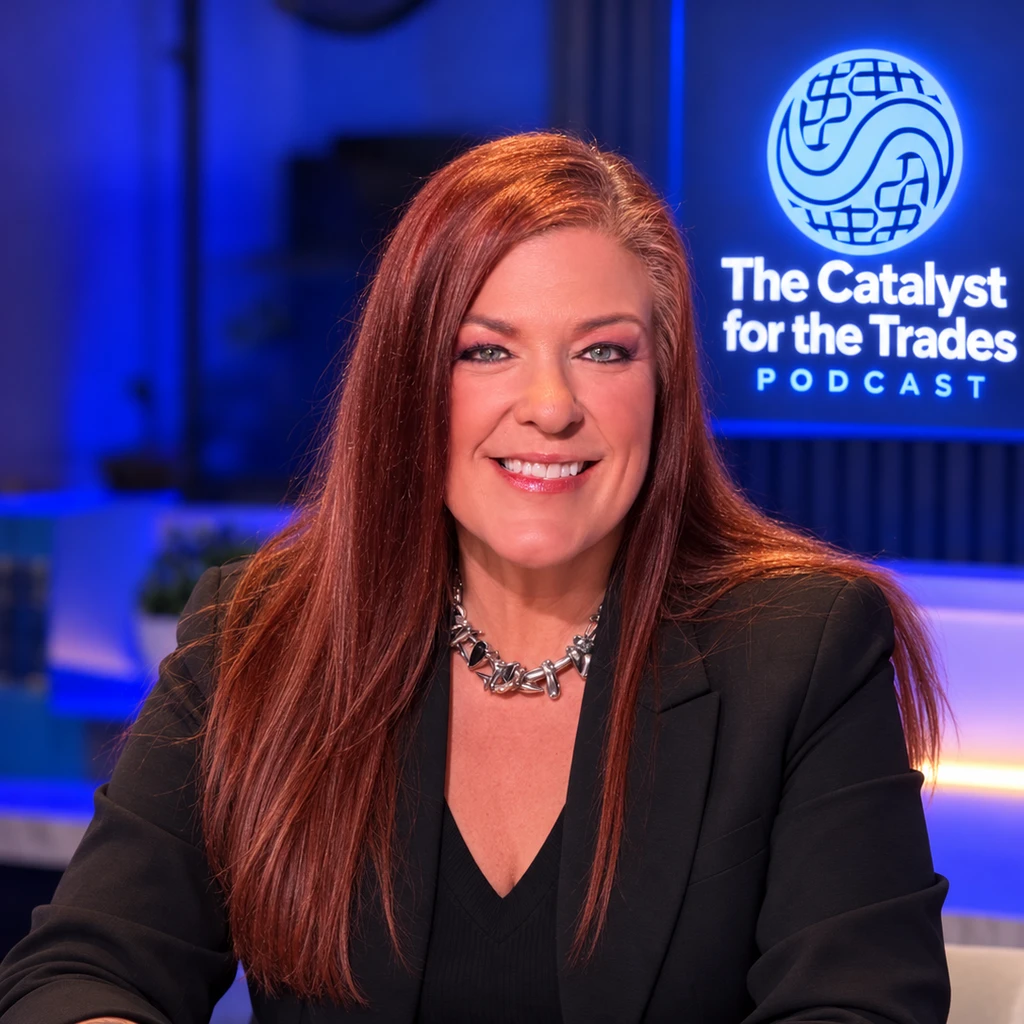
About the author
Jennifer Bagley
Jennifer Bagley is a co-founder of JustStart AI, founder and CEO of CI Web Group, and the author of Hands Up. Her work focuses on practical AI use in HVAC, plumbing, and electrical businesses.
- 2026 Innovation Award recipient, The Sisterhood
Related Articles
Continue exploring similar topics and insights
Where AI Should Stop: A Trust Map for Trades Businesses
New consumer research shows where customers welcome AI and where they expect a person. Use this AI trust map to decide what your shop automates next.
How Trades Companies Are Using AI in 2026: The Field Report
AI receptionists at 15-20% adoption, agentic back offices, AI-powered websites that book jobs inside ChatGPT — here's where AI in the trades actually stands in mid-2026.
AI for HVAC Contractors: Increase Revenue & Customer Satisfaction (2025)
Learn how HVAC contractors use AI for scheduling, diagnostics, and customer service. Real case studies show 28% productivity gains and 31% customer retention improvement.
More in Trades Adoption
Explore more articles in this category
Where AI Should Stop: A Trust Map for Trades Businesses
New consumer research shows where customers welcome AI and where they expect a person. Use this AI trust map to decide what your shop automates next.
How Trades Companies Are Using AI in 2026: The Field Report
AI receptionists at 15-20% adoption, agentic back offices, AI-powered websites that book jobs inside ChatGPT — here's where AI in the trades actually stands in mid-2026.
AI for HVAC Contractors: Increase Revenue & Customer Satisfaction (2025)
Learn how HVAC contractors use AI for scheduling, diagnostics, and customer service. Real case studies show 28% productivity gains and 31% customer retention improvement.
Questions, results, or pushback — the conversation lives in the JustStart AI community. It's free to join.